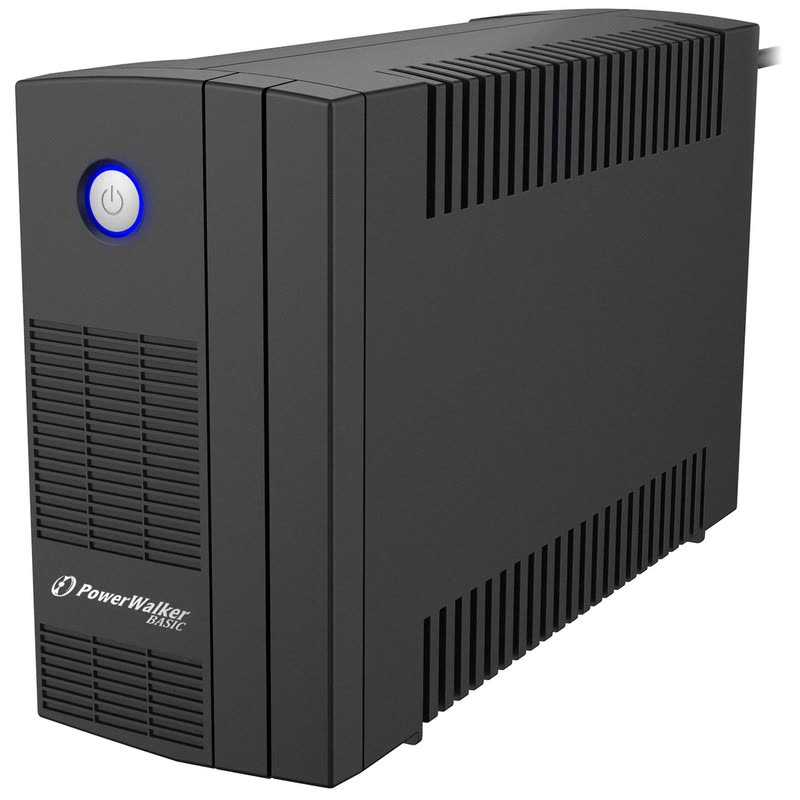
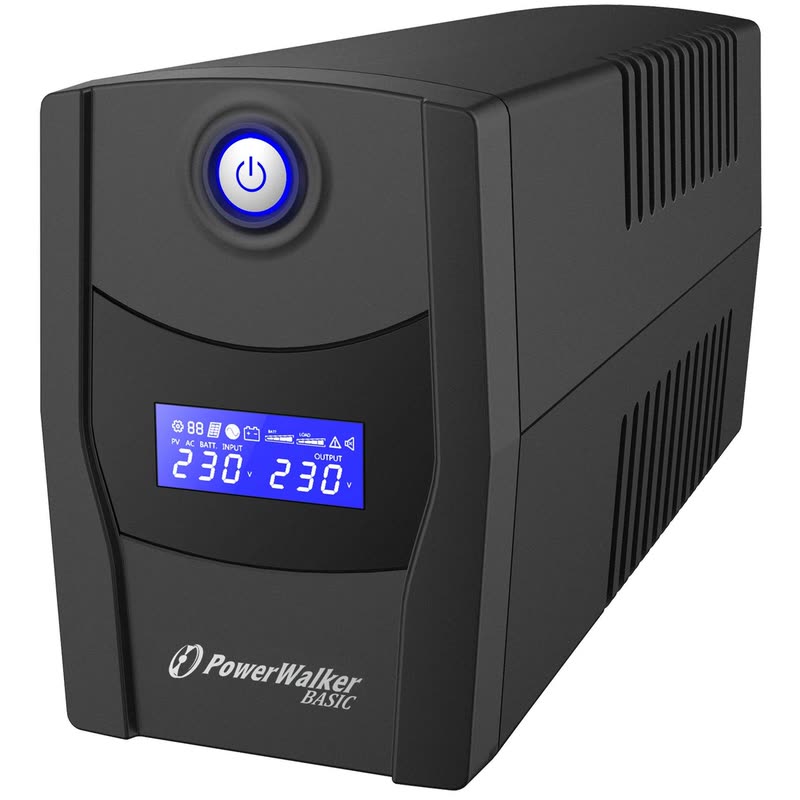
A UPS (uninterruptible power supply) is a battery between the wall socket and your computer. When the power cuts out or dips, it keeps the computer running long enough to save your work and shut down properly, and it smooths out the dips and spikes that can damage equipment or corrupt files.
What to plug into a UPS
- Desktop PCs and their monitors: a laptop already has a battery.
- The router and modem: so the internet stays on through a short cut.
- A small server, NAS or till: anything that shouldn't switch off mid-task.
Don't plug laser printers or heaters into a UPS: they draw too much power when they start.
How big a UPS?
UPS sizes are given in VA and in watts; the watts matter. Add up what you'll plug in:
- An office PC with its monitor: about 100–200 W.
- A gaming PC under load: 400 W or more.
- A router: about 10–20 W.
Choose a UPS rated comfortably above your total. An 800–1,000 VA unit (around 480–600 W) suits one office PC and its monitor, or a router and a few network devices. The bigger the margin, the longer it runs on battery.
How long will it last?
A small UPS is designed for minutes, not hours: enough to save and shut down, or to ride out a short cut. To keep a router running much longer, it needs a larger UPS or a small one with almost nothing else plugged in.
Line-interactive and sine wave
- Line-interactive (VI) UPS units correct small voltage dips and rises without using the battery, so the battery lasts longer. This suits homes and offices.
- Simulated sine wave output is fine for most PCs; some power supplies with active PFC prefer a pure sine wave UPS.
See our UPS units, with UK sockets.
How often does the battery need replacing?
UPS batteries usually last a few years, less in heat. Most UPS units beep or show a warning when the battery is weak.
Can the UPS shut the computer down by itself?
Many can, with the USB cable and the maker's software: the PC saves and shuts down when the battery runs low.
Which size do I need?
Tell us what you'll plug in and we'll suggest one.