
No products in the cart.


How to Choose the Right Gaming Peripherals to Level Up Your Play (Malta Guide) Leave a comment
How to Choose the Right Gaming Peripherals to Level Up Your Play (Malta Guide)
Picking gaming peripherals without knowing what specs matter wastes your time and money. Many gamers settle for gear that doesn’t match their playstyle or rig, holding back their potential. This guide breaks down key features like keyboard switches, mouse DPI and polling, headset drivers, and monitor specs so you can shop smart with PC Zone Malta. Create your account to get tailored picks, exclusive bundles, and fast local support on top-tier gaming peripherals Malta players trust. For more information, check out this PC Gamer article.
Choosing Keyboards for Gaming
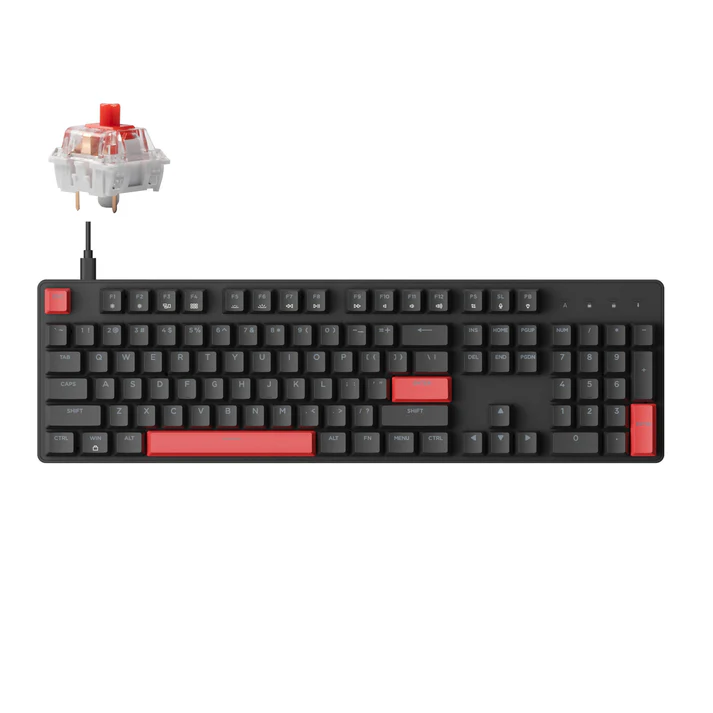
Finding the right keyboard can change how you game, offering precision and comfort. Here’s what to consider when selecting a keyboard that fits your gaming style.
Mechanical Keyboard and Switch Types
Mechanical keyboards can offer a more tactile, durable typing experience than membrane keyboards. The key lies in the switch type. Switches are generally divided into three categories: linear, tactile, and clicky. Linear switches, like the popular Cherry MX Reds, offer smooth keystrokes favoured by gamers who need fast, uninterrupted action. Tactile switches, such as Cherry MX Browns, provide feedback with each keystroke, helping ensure accuracy. Clicky switches, found in Cherry MX Blues, add an audible click, which some typists love but may annoy others in shared spaces.
Understanding these differences helps you choose what suits your play. Most people think louder keyboards mean better, but that’s not always true. It’s about what feels right under your fingers. Dive deeper into various styles by visiting reliable sources like IGN for insights.
Hot-Swap and PBT Keycaps
If you enjoy customising, a hot-swap keyboard is a smart pick. This type allows you to change switches without soldering, making it easy to try different feels. This feature is particularly interesting for those who like to tweak their setup over time.
Another element to consider is the keycap material. PBT keycaps are more durable and resist shine, unlike the common ABS caps. They provide a textured feel and a premium appearance, enhancing both the aesthetics and grip of your keyboard. So, while most assume a keyboard is just keys, you now see how these elements can impact gaming comfort and style.
Selecting the Perfect Gaming Mouse
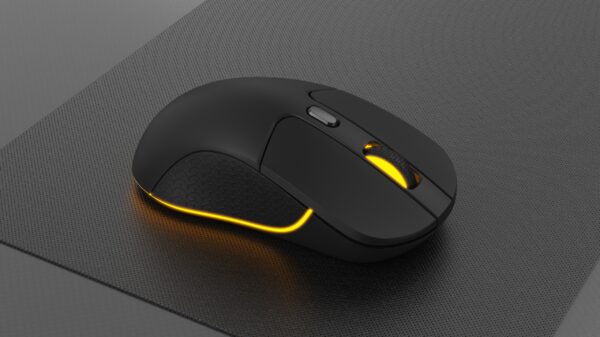
Your mouse is your weapon in the gaming world. Let’s explore the features that make a mouse truly outstanding.
Optical Sensor and DPI Details
A high-quality optical sensor is crucial for precise movements. Optical sensors track better on a variety of surfaces and are generally preferred for gaming. When considering DPI (dots per inch), you might wonder how much is enough. Most gaming mice offer adjustable DPI settings, often ranging from 400 to over 3200 DPI. This allows you to adjust sensitivity on-the-fly, enabling quick adaptation to different gaming scenarios.
Higher DPI settings suit fast-paced games, but a lower DPI can offer more control in precision-based games like shooters. Remember, more DPI isn’t always better. It’s about finding the right balance for your playstyle.
Polling Rate and Ergonomics
The polling rate, measured in Hz, indicates how often your mouse communicates with your computer. A common rate is 1000 Hz, meaning it updates every millisecond. This can be crucial for competitive gaming, ensuring every movement is tracked accurately.
Equally important is the shape of your mouse. An ergonomic design can reduce strain during long gaming sessions. Some mice are designed for specific grip styles—palm, claw, or fingertip. Comfort in your hand should guide your choice, not just flashy features or big numbers. Many think all mice are the same, but finding the right fit can change your game.
Finding the Right Gaming Monitor
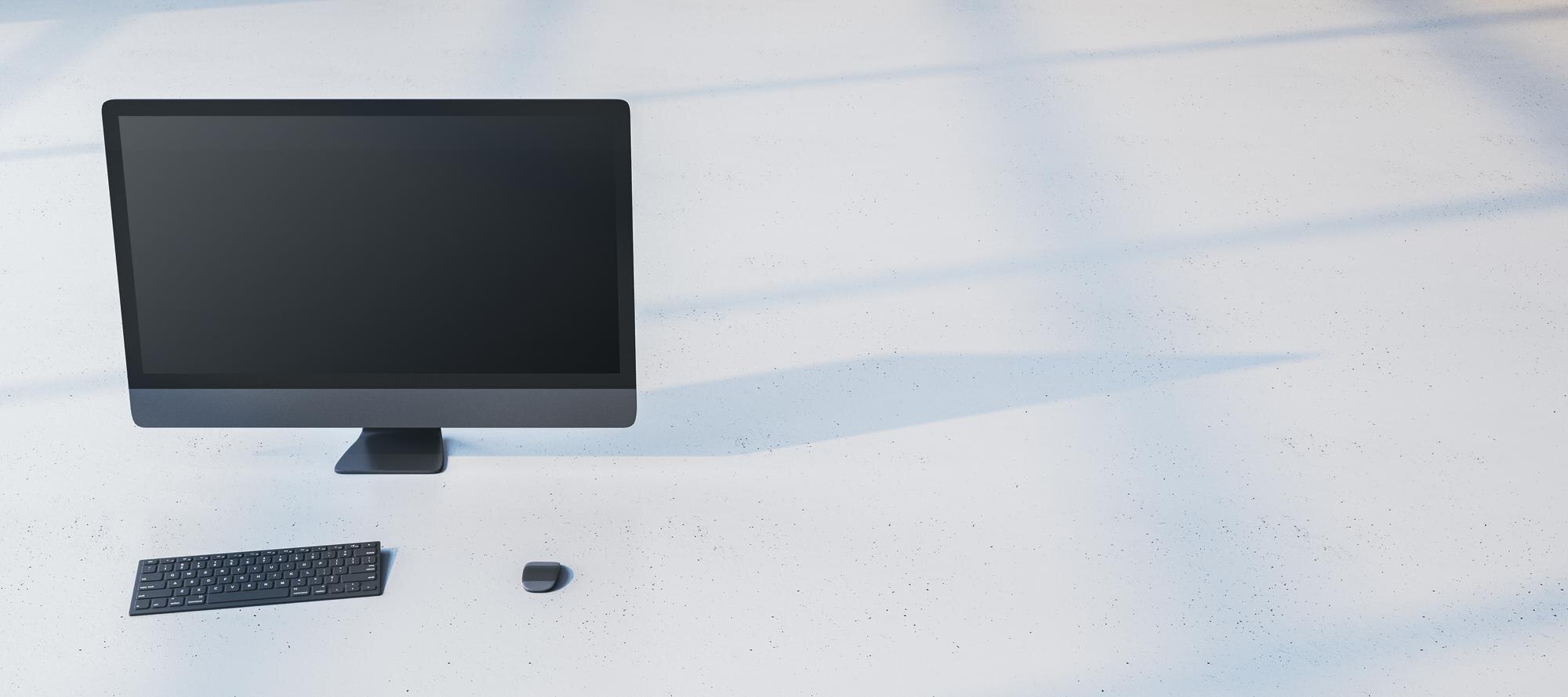
Your monitor is the window into your gaming world. Choosing the right one can transform your experience with vibrant visuals and fluid gameplay.
Refresh Rates and Response Time
A higher refresh rate, like 144Hz or 240Hz, means smoother on-screen movement, crucial for fast-paced action games. This refresh rate allows your monitor to update images more frequently, giving you a competitive edge. On the other hand, response time, measured in milliseconds, indicates how quickly pixels change colour. A 1ms response time is often ideal for reducing motion blur in fast-action scenes.
While many believe resolution is king, in gaming, speed often beats out detailed graphics. It’s about responsiveness and fluidity, which can significantly impact your reaction times.
FreeSync and G-SYNC Compatibility
When it comes to syncing your graphics card and monitor, FreeSync and G-SYNC technologies are vital. These features eliminate screen tearing and stuttering by matching the monitor’s refresh rate with your graphics card’s output. FreeSync works with AMD GPUs, while G-SYNC is for NVIDIA cards. Ensuring your monitor supports the right technology for your setup can lead to a seamless visual experience.
This tech might sound complex, but it’s all about smooth visuals without distraction. Many overlook these features, but they can elevate your gaming to the next level. For a deeper dive, check out this detailed YouTube video on monitor features.
Remember, choosing the right gear means understanding your needs and how each component can enhance your gaming experience. With the right peripherals, you’re not just playing the game; you’re mastering it. Shop smart, and consider local options like PC Zone Malta for reliable products and local support.