
No products in the cart.


How to Build an Energy‑Efficient Home or Office Tech Setup in Malta Leave a comment
How to Build an Energy‑Efficient Home or Office Tech Setup in Malta
Power drains from your tech setup without you realising it, hiking up your electricity bill in Malta. Cutting power use often feels like giving up performance, but it doesn’t have to be that way. With PC Zone Malta’s selection of energy-efficient laptops, monitors, printers and accessories, you can build a power-saving tech setup that works hard while using less energy. Keep reading to learn how to reduce your electricity bill Malta-style without slowing down your work or study.
Building Your Energy‑Efficient Setup
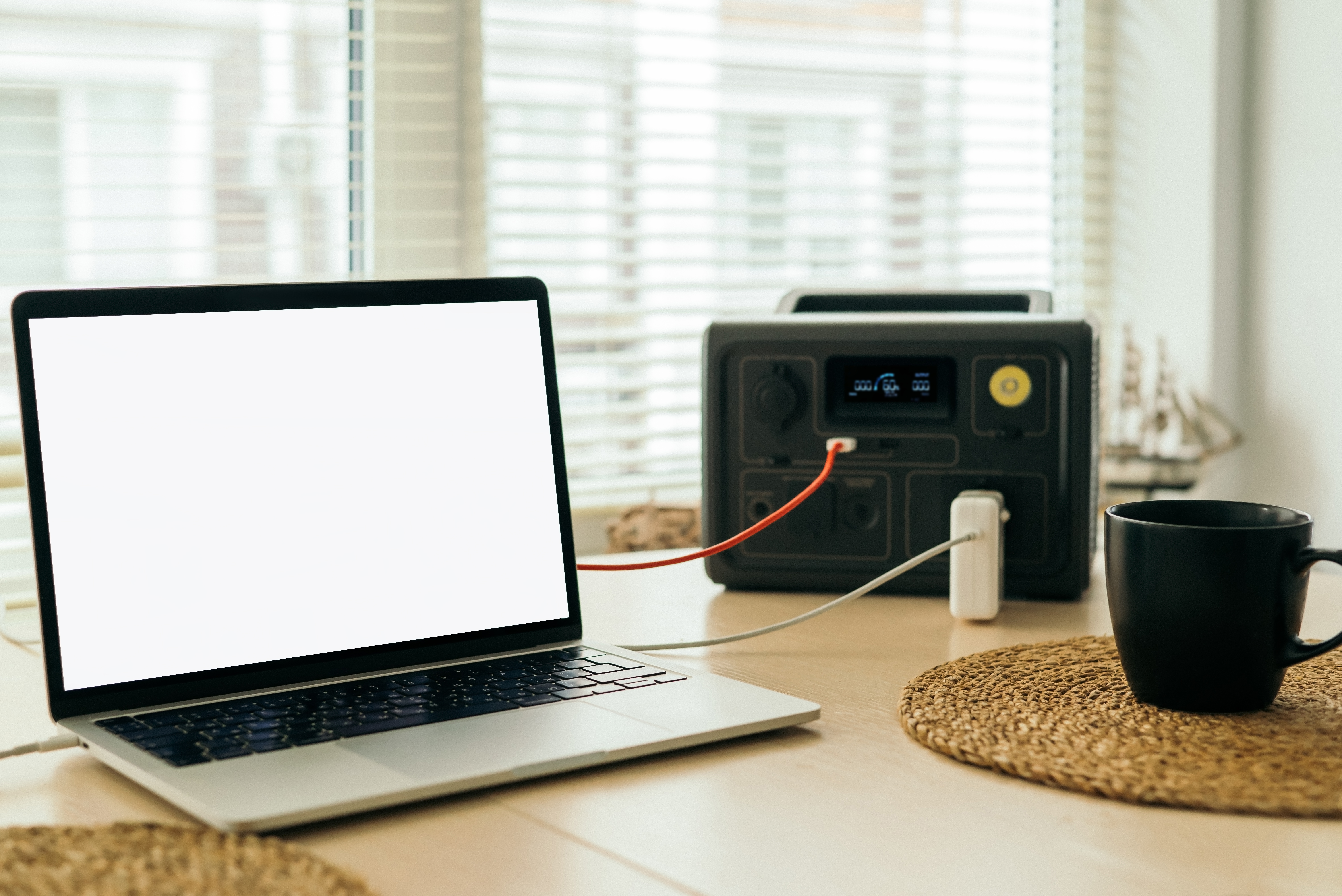
Setting up a tech space that saves power doesn’t mean you have to compromise on performance. Start by choosing the right devices that help you cut costs while still delivering top-notch results.
Choosing Energy‑Efficient Laptops
When picking a laptop, considering power consumption is crucial. Opt for brands like Lenovo, ASUS, and GIGABYTE, known for their energy-efficient models. For example, a Lenovo laptop with an AMD 5625U processor could provide up to 8 hours of battery life on a single charge. This means fewer charges and a lighter electricity bill. Many of these laptops are also EPEAT Gold certified, ensuring they meet high environmental standards. If you’re unsure which model suits you best, PC Zone Malta offers expert advice on selecting a laptop that fits your needs. You might think a powerful laptop must consume more energy, but modern devices are designed to balance performance and power use.
Selecting Low Power LED Monitors
Monitors can be silent energy stealers if not chosen wisely. LED monitors consume less energy compared to their LCD counterparts. Look for monitors with an ENERGY STAR rating to ensure they meet energy efficiency guidelines. A low power LED monitor can reduce your energy use significantly. It’s a common belief that larger screens use more power, but size doesn’t always dictate energy use. It’s the technology behind it that counts. For example, a 24-inch LED monitor could use about 20 watts, whereas an older model might use double that. Investing in an efficient monitor is a smart move for anyone aiming to cut down on energy costs.
Smart Accessories for Power Savings
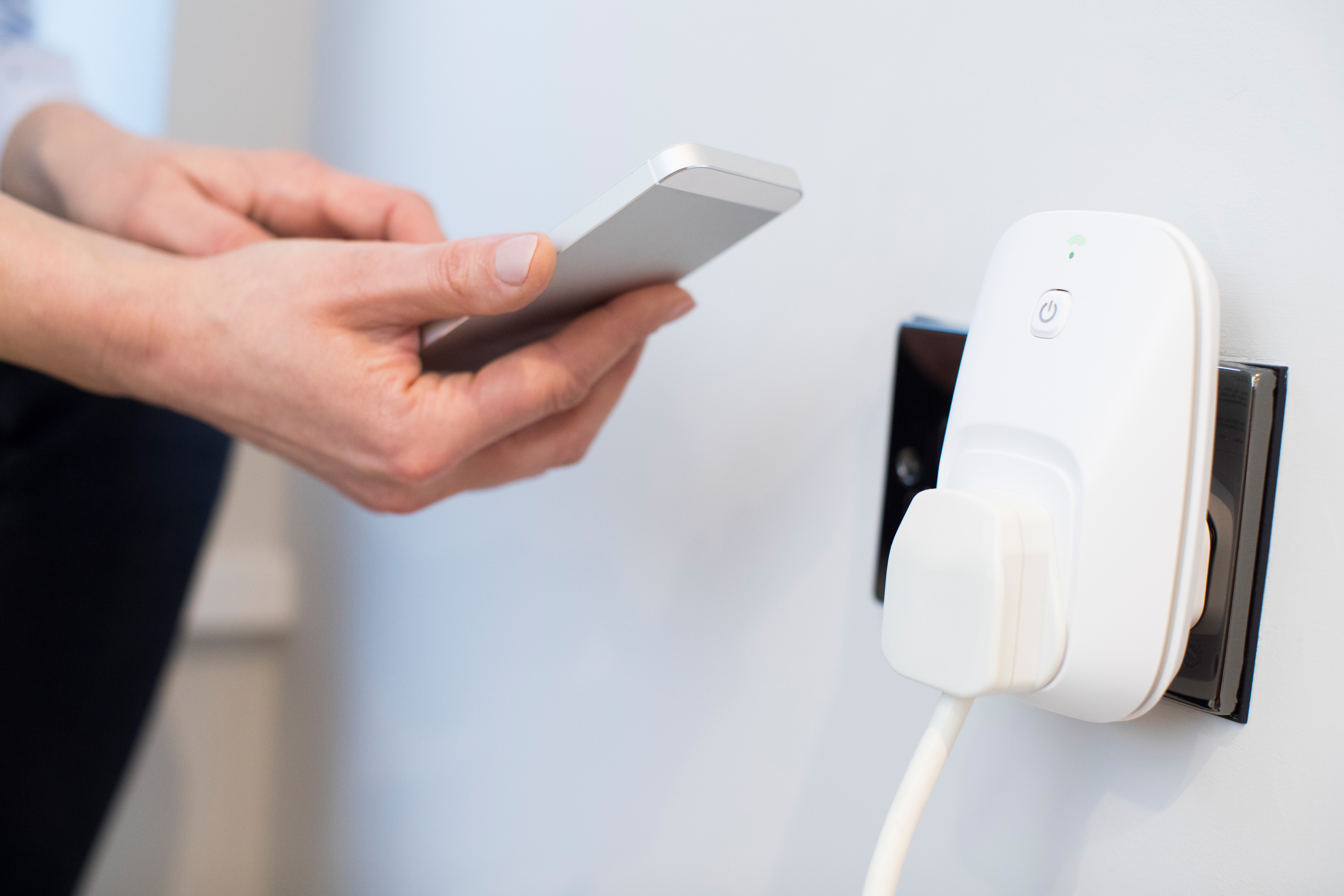
Once your main devices are sorted, accessories play their part in maintaining energy efficiency. Here’s how you can make wise choices that keep your setup streamlined and power-saving.
USB‑C Docking Station Malta
A USB‑C docking station is a versatile tool that helps manage multiple devices while using minimal energy. With this, you can connect your laptop, phone, and other peripherals using a single port. This not only reduces clutter but also saves energy by centralising power use. Available at PC Zone Malta, the right docking station can support all your devices efficiently. Most people think docking stations are just about convenience, but they actually contribute to saving power across your workspace.
GaN USB‑C Charger Malta
Say goodbye to bulky chargers with the GaN USB‑C charger. Gallium Nitride (GaN) technology allows for faster charging with less heat generation, translating to lower energy waste. A charger like this can power multiple devices simultaneously without hogging electricity. You might think a smaller charger can’t pack a punch, but GaN chargers prove otherwise. At PC Zone Malta, you can find a variety of these chargers to fit your every need.
Reducing Energy Bills in Malta
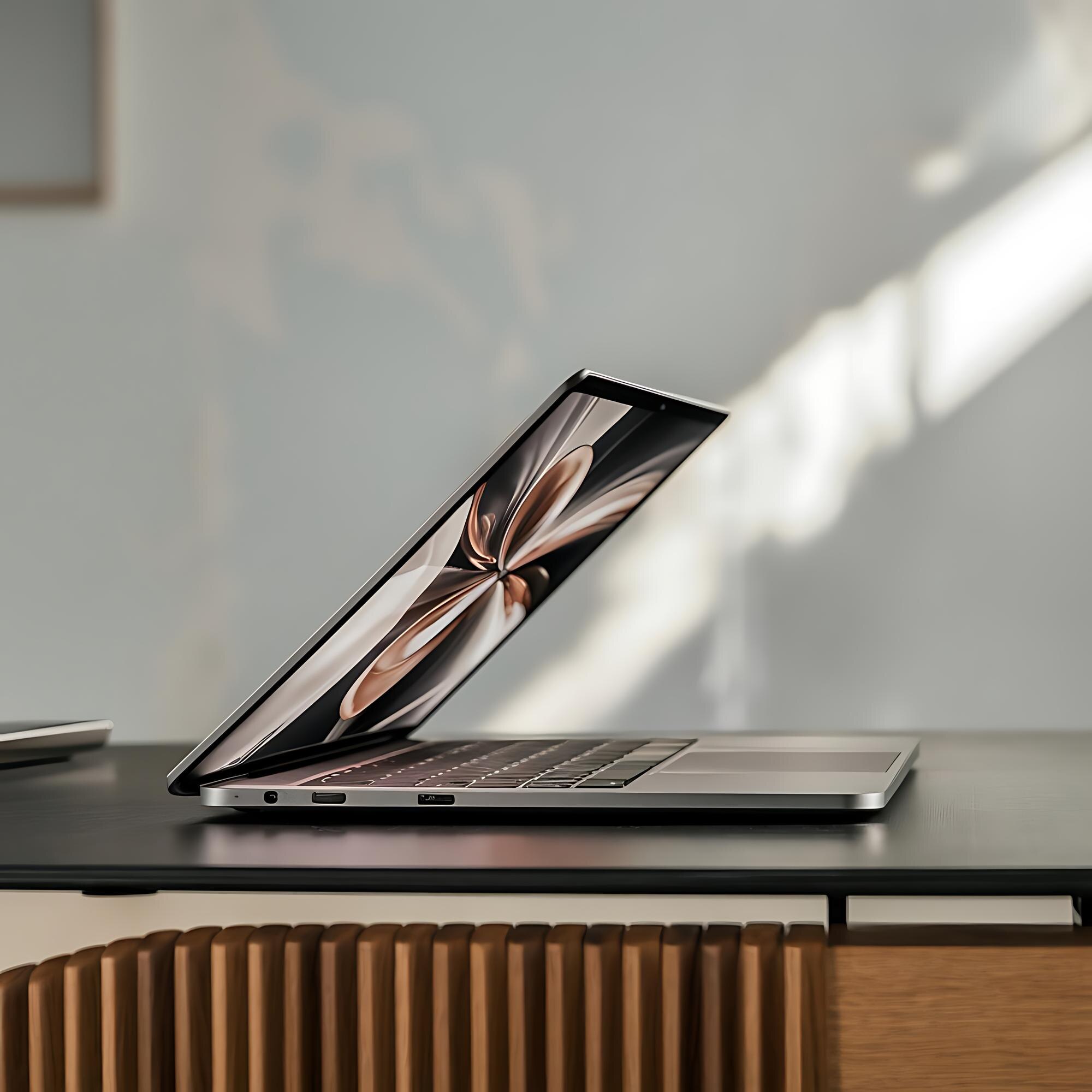
Lowering your electricity bill involves more than just choosing the right tech. Implement smart practices in your workspace to see a noticeable difference in energy use.
Eco-Friendly Office Malta Tips
Creating an eco-friendly office starts with small changes. Use smart plugs to manage your devices remotely, ensuring they’re off when not in use. Consider a UPS with ECO mode to prevent energy wastage during power surges. These devices protect your equipment and optimise power usage. For detailed steps on setting up an eco-friendly office, check out this resource. Many assume that going green is costly, but these small adjustments show it’s all about being smart with what you already have.
Leveraging Windows 11 Power Settings
Windows 11 offers built-in features to help manage power consumption. By adjusting power settings, you can balance performance with energy use. Enable battery saver mode to extend your device’s life between charges. This simple tweak can have a substantial impact on your energy bill. You might believe that high performance only comes with high energy use, but these settings prove that efficiency and power can coexist. Explore further tips on managing your home office energy.
🔋💻🌍
By integrating these strategies and products from PC Zone Malta, you can enjoy a tech setup that doesn’t drain your wallet. Every small change contributes to a more sustainable and cost-effective workspace.