
No products in the cart.


High‑Performance Gaming PCs: The Key Features You Need to Know (Malta Edition) Leave a comment
High‑Performance Gaming PCs: The Key Features You Need to Know (Malta Edition)
High-performance gaming PCs aren’t just about flashy lights—they hinge on crucial components that determine how well you play and stream. If you want smooth 1440p 240Hz gameplay or 4K visuals with ray tracing, knowing which CPUs, GPUs, cooling systems, and storage options matter is key. This guide breaks down everything Malta gamers need to choose or build the perfect custom gaming PC with PC Zone Malta’s expert support. For further insights, you can explore this comprehensive guide.
CPU Performance Essentials
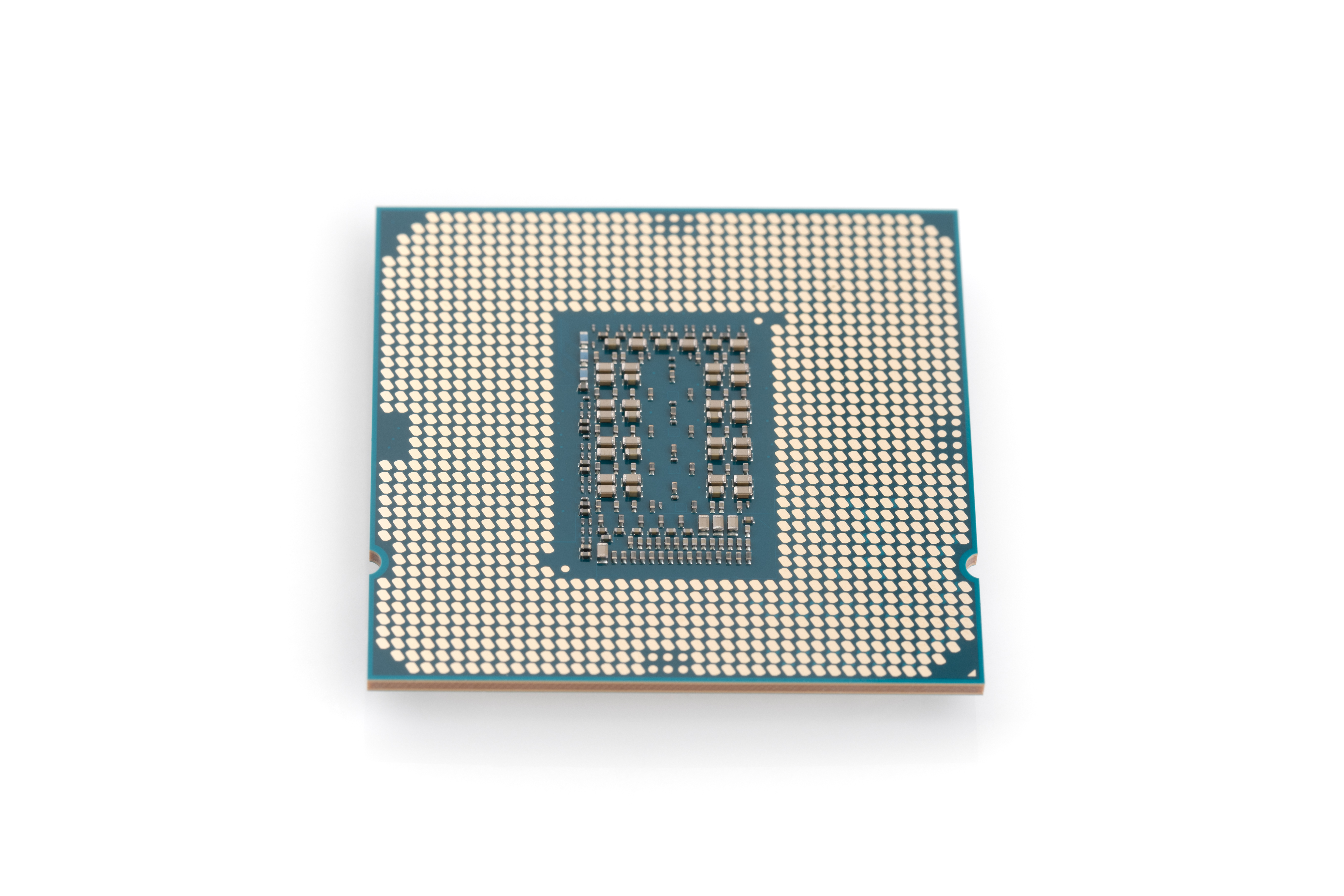
Choosing the right CPU is the heart of your gaming rig. It influences everything from frame rates to multitasking. This section uncovers the basics you need to craft a high-performance gaming PC in Malta.
Core and Thread Balance
A powerful CPU is not just about the number of cores; it’s about achieving the right balance. More cores and threads allow for better multitasking, such as gaming while streaming. Picture this: while a 6-core CPU like the AMD Ryzen 5 7600X handles most games well, jumping to an 8-core option like the Intel Core i7-13700K can enhance your experience by managing background tasks seamlessly.
Performance dives deeper than just cores. Threads play a key role. Each core can handle two threads, meaning an 8-core CPU can juggle 16 tasks simultaneously. This balance is crucial for gamers who also stream or create content. For gaming in Malta, where online gaming is popular, ensuring your CPU can handle multiple tasks is vital.
Boost Clocks and Cache
Boost clocks are akin to turbo modes in cars—giving extra power when needed. Higher boost clocks mean faster processing during intense gaming moments. For instance, a boost clock of 5.3 GHz on an Intel chip can push your game to run smoother during action-packed scenes.
Caches are the unsung heroes of CPU performance. They store frequently accessed data for quick retrieval. The larger the cache, the better. A 16MB cache on a Ryzen 5 provides a noticeable boost in responsiveness, ensuring that your PC keeps up with your fast-paced gaming style.
Architecture: Intel vs AMD
The eternal debate: Intel or AMD? Both have their merits in the gaming world. Intel’s 14th Gen processors boast impressive single-core performance, perfect for games that rely on speed. On the other hand, AMD’s Ryzen 7000 series offers excellent multitasking with more cores and threads.
Intel often leads with single-core efficiency, crucial for older or less optimized games. Meanwhile, AMD shines in scenarios demanding high parallel processing, thanks to its efficient multi-core architecture. Choosing between them hinges on your gaming needs and whether you’ll use your PC for more than just gaming.
GPU Horsepower Insights
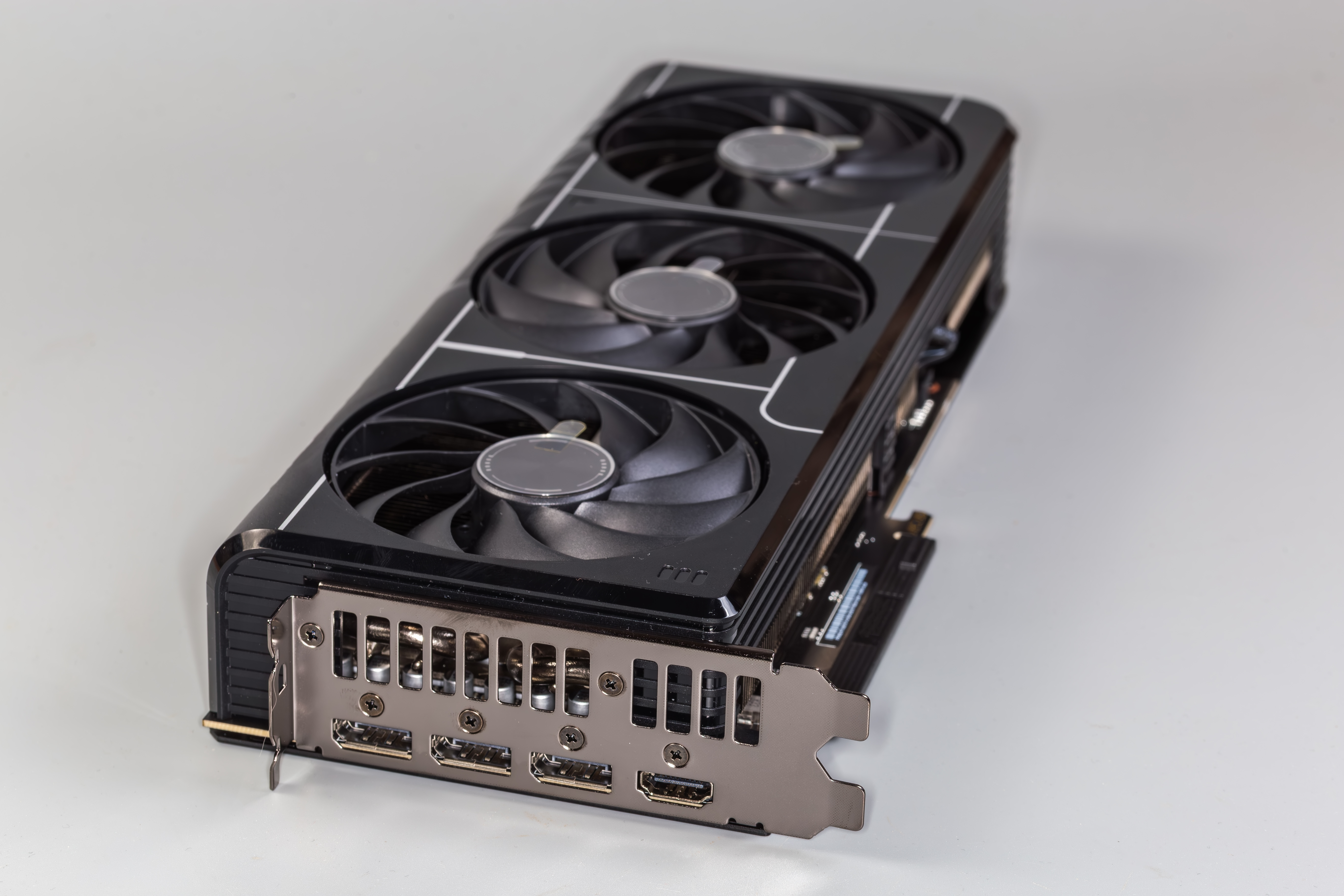
Once the CPU is sorted, it’s time to look at the GPU. This component is crucial for stunning visuals and smooth gameplay. In this section, you’ll learn which GPU features to prioritise for a high-performance gaming PC in Malta.
Latest Architecture Comparison
Graphics cards are the lifeline of any gaming PC, transforming raw data into stunning visuals. The NVIDIA RTX 40 Series and AMD Radeon RX 7000 are the latest contenders, each with unique offerings. NVIDIA’s architecture shines with real-time ray tracing and AI enhancements, delivering visuals that pop on screen.
Meanwhile, AMD’s focus is on performance per watt, making it an attractive choice for those conscious of power usage. The RX 7000 series also promises excellent rasterization performance, making it a robust choice for both 1440p and 4K gaming.
Ray Tracing and DLSS/FSR
Ray tracing is the buzzword of the day, simulating lifelike lighting and reflections. NVIDIA’s DLSS 3 and AMD’s FSR 3 technologies are game-changers, boosting frame rates without sacrificing quality. With ray tracing, your games in Malta won’t just look good—they’ll feel real.
DLSS uses AI to upscale lower resolution images, offering higher frame rates. This means you can enjoy beautiful graphics without overworking your system. FSR achieves similar outcomes by optimizing game scenes, ensuring that you get consistent performance across various titles.
VRAM Capacity for 1440p/4K
When gaming at higher resolutions like 1440p or 4K, VRAM becomes crucial. Aim for at least 8GB of VRAM for 1440p and 12GB or more for 4K. This ensures that your GPU can handle detailed textures and larger images without stuttering.
Choosing a GPU with adequate VRAM is essential for future-proofing your PC. As game graphics advance, more VRAM allows you to play the latest titles at high settings without compromising on performance.
Cooling and Thermal Management
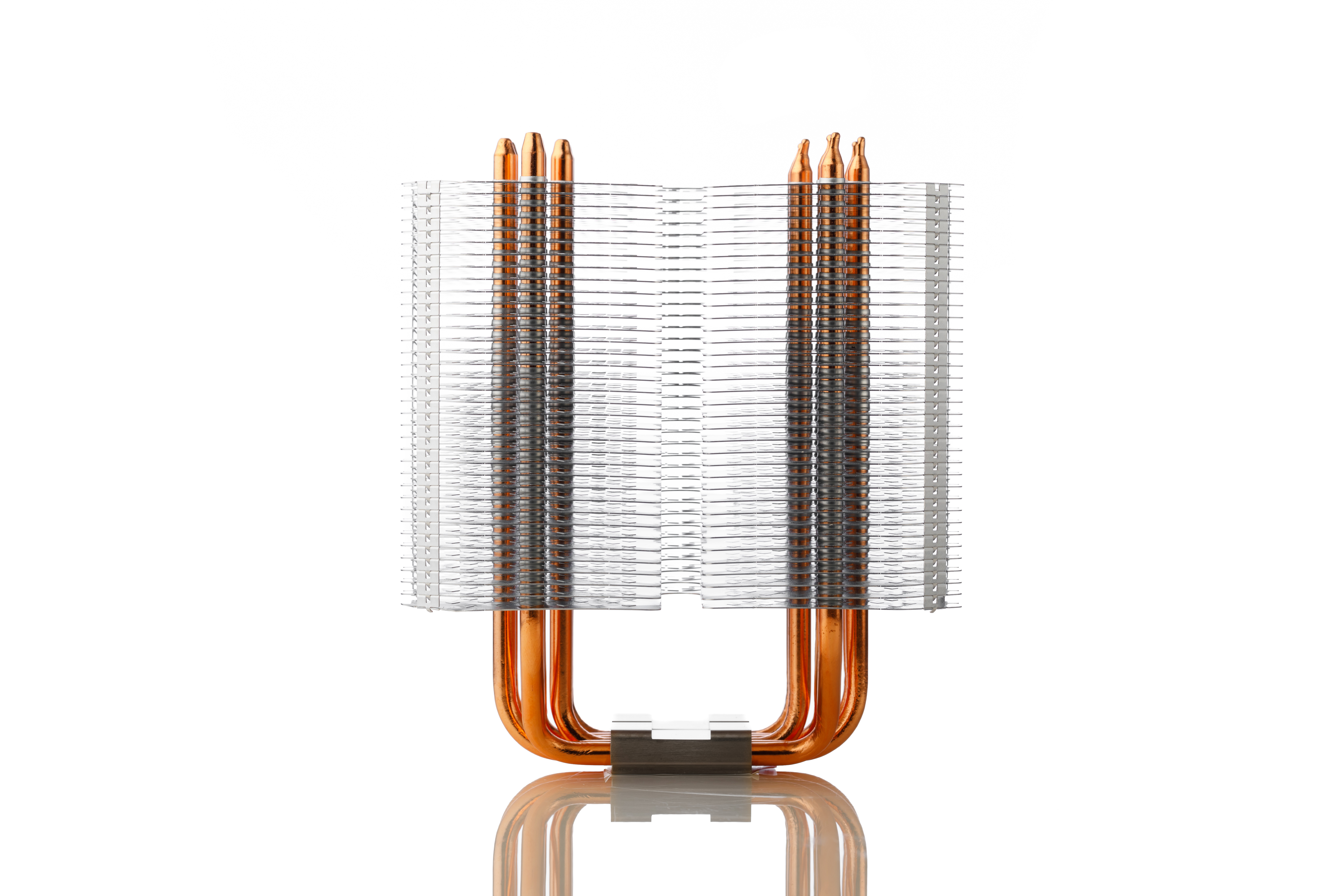
Keeping your gaming rig cool is vital for maintaining performance. Let’s explore how cooling solutions can keep your system running smoothly, even during intense gaming sessions in Malta.
Airflow and Quality Coolers
Airflow is the unsung hero of cooling systems. Proper airflow keeps your components cool and running efficiently. Opt for cases with high airflow designs, ensuring hot air exits quickly. Quality air coolers like the Noctua NH-D15 are excellent for handling demanding tasks.
Investing in quality fans that operate quietly while moving significant air volume can make a noticeable difference. Proper airflow reduces thermal throttling, allowing your CPU and GPU to perform at their best during extended gaming sessions.
AIO Liquid Cooling Options
For those seeking advanced cooling, AIO liquid coolers offer a sleek solution. They provide efficient heat management, especially when overclocking. Options like the Corsair iCUE H150i offer performance without compromising aesthetics or taking up too much space.
Liquid cooling is not just about keeping temperatures down; it also adds a modern touch to your rig with customisable RGB lighting. These coolers efficiently handle the heat generated by powerful components, ensuring stability and longevity.
Fan Curves and Thermal Paste
Configuring fan curves optimises when and how fast your fans spin. This balance ensures cooling without excessive noise. Using quality thermal paste like Arctic MX-4 enhances heat transfer from the CPU to the cooler, improving overall efficiency.
Customising fan curves allows you to manage noise levels depending on workloads. Proper thermal paste application can reduce temperatures by several degrees, ensuring that your components never run hotter than necessary.
Memory and Storage Choices
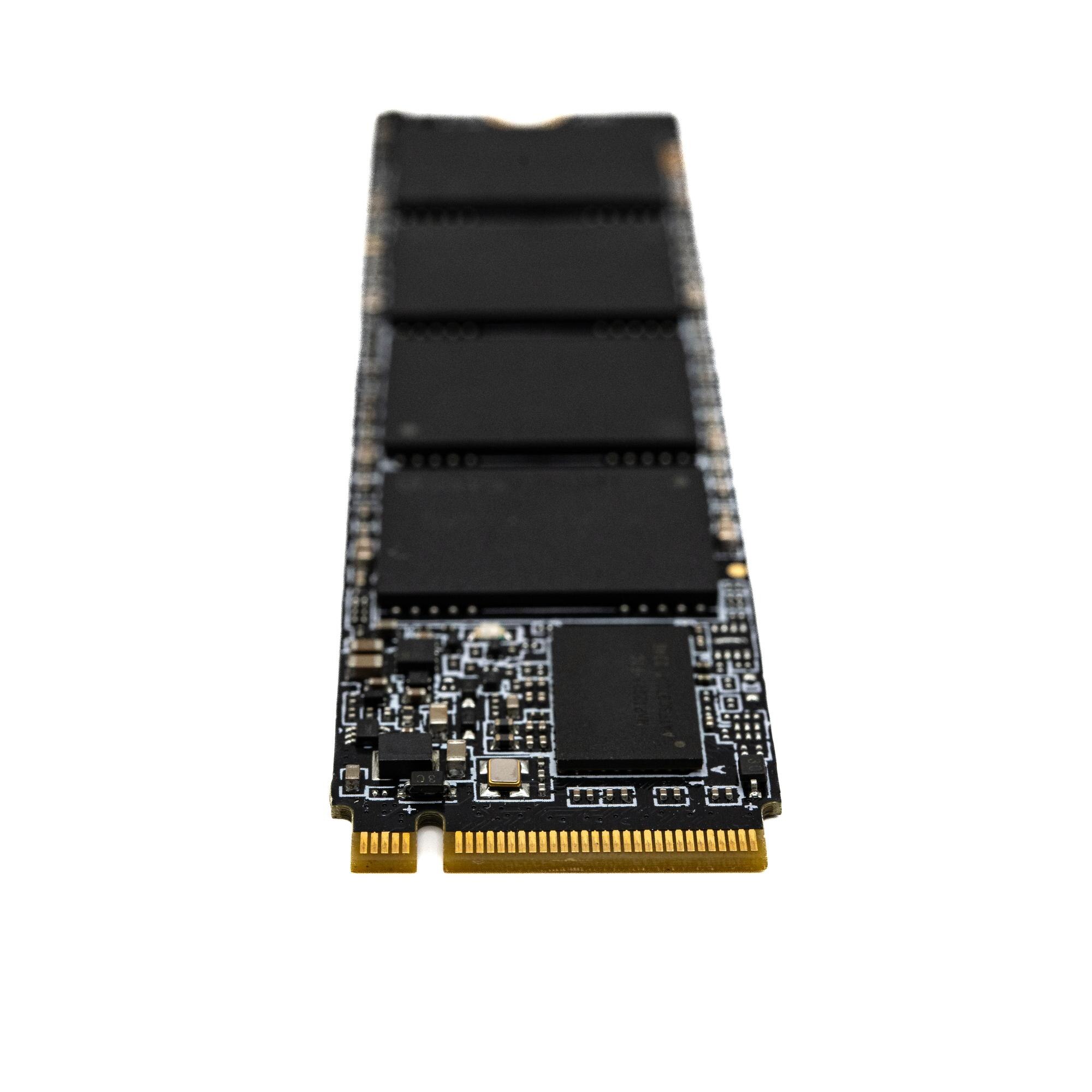
Memory and storage are the backbone of any gaming system. This section highlights choices that offer speed and reliability for your high-performance gaming PC in Malta.
Optimal DDR5 RAM
Choosing the right RAM ensures smooth multitasking. DDR5 RAM is the latest standard, offering faster speeds and better performance. A 32GB kit running at a speed of 5600MHz provides a solid foundation for gaming and productivity tasks.
DDR5 brings increased bandwidth and better power efficiency, making it ideal for modern systems. The added speed helps in reducing load times, ensuring that your gaming experience is smooth and lag-free.
NVMe SSD PCIe Options
Fast storage is crucial for quick game load times. NVMe SSDs using PCIe 4.0 or PCIe 5.0 offer blazing speeds. They significantly reduce boot times and load game assets swiftly, keeping you immersed in your gaming world without interruption.
Opting for an NVMe SSD with at least 1TB of storage ensures you have ample space for your favourite titles. The speed of PCIe 4.0 and 5.0 drives means that you spend less time waiting and more time playing.
Primary and Secondary Storage
A combination of SSDs and HDDs is ideal for balancing speed and storage capacity. Use a fast NVMe SSD for your operating system and favourite games, while a 4TB HDD can store larger files and less frequently played titles.
This approach not only enhances performance but also ensures you have enough room for media collections and backups. The SSD handles tasks requiring speed, while the HDD offers cost-effective storage for larger files.
Motherboard and Power Supply
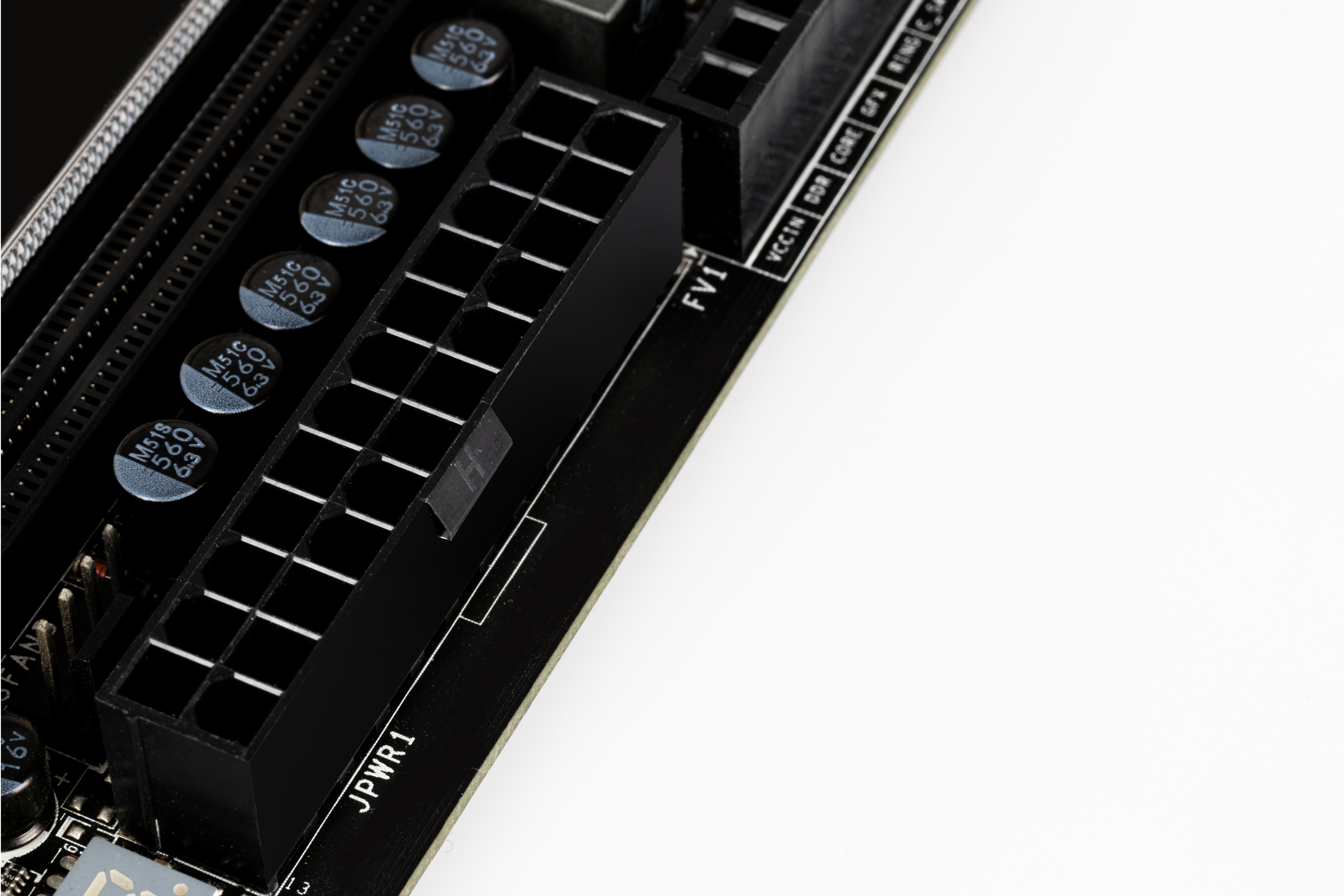
The motherboard and power supply are the foundation of your gaming PC. Choosing the right ones ensures stability and upgrade potential for your gaming adventures in Malta.
Robust VRMs and Features
A motherboard with strong VRMs is essential for stable performance. This ensures your CPU receives consistent power, crucial when overclocking. Features like Wi-Fi 6E and 2.5Gb Ethernet offer the latest in connectivity, supporting a seamless gaming experience.
When selecting a motherboard, consider the number of USB ports, support for DDR5 RAM, and future upgrade paths. These features ensure longevity and keep your setup modern.
Reliable 80 Plus Gold PSU
A reliable power supply is the backbone of a stable system. 80 Plus Gold certified PSUs offer efficiency and reliability, essential for handling high-performance components. Aim for a 750W PSU to cover most gaming setups.
An efficient PSU not only reduces electricity costs but also ensures that your components are protected from power surges, extending the lifespan of your gaming PC.
Modular Power Supply Benefits
Modular power supplies offer flexibility. They allow you to connect only the cables you need, reducing clutter and improving airflow. This not only makes your build aesthetically pleasing but also aids in efficient cooling.
With a modular PSU, you can easily upgrade or replace components without dealing with tangled cables. This clean setup enhances both performance and the overall look of your gaming rig.
By understanding these key components, you’re now equipped to build or upgrade a high-performance gaming PC in Malta. Whether you’re aiming to dominate the latest games or create content, these insights ensure your setup is both powerful and reliable.