
Last 5 in Ħamrun
Delivery in Malta and Gozo1–3 working days
2 years' warrantyRepairs at our own counter
Prices include VATVAT invoice with every order
Why the Wi-Fi doesn't reach every room in many Maltese homes and offices, and which of the four fixes suits yours.
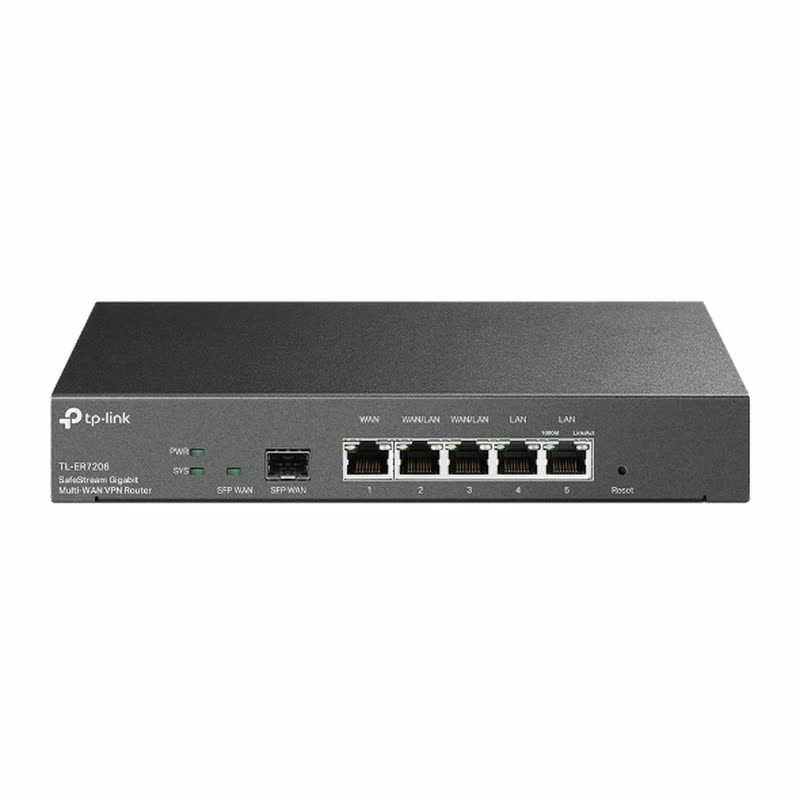
Today at PC Zone (5 November 2026): 15 Routers & Access Points in stock from €20.00 to €459.00 incl. VAT. See them all
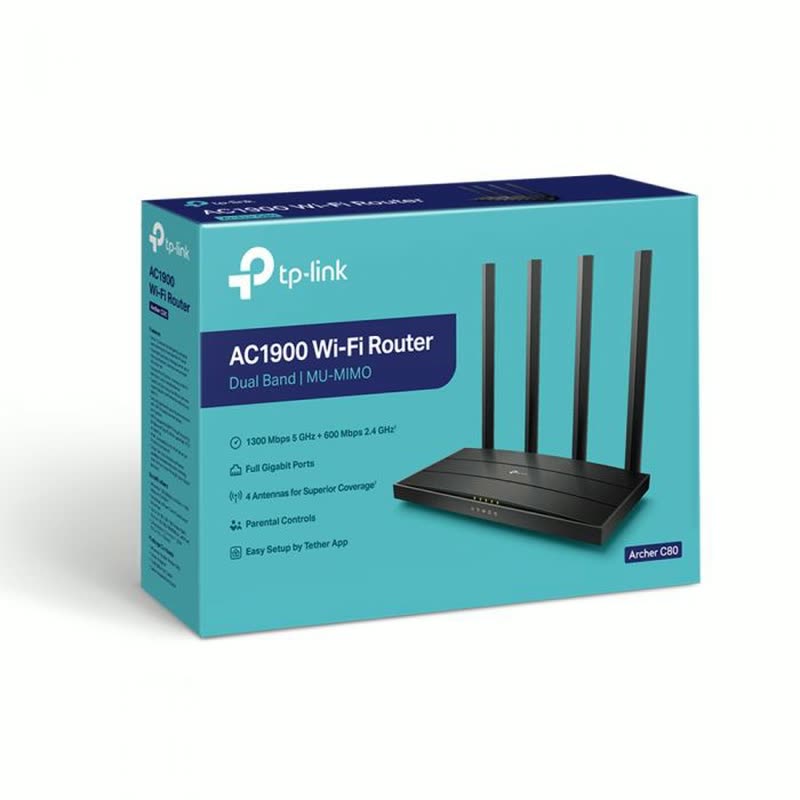
The router your internet provider gave you sits in one corner, and thick walls and several floors do the rest: many homes in Malta have a room or a floor where the Wi-Fi drops. There are four ways to fix it.
An extender plugs into a socket between the router and the weak room and repeats the signal. It's the cheapest fix, but it halves the speed it repeats, and your devices may stay on the weak network. Good for one room close to the router.
A mesh system (like TP-Link Deco) is two or three units that work as one network with one name: your phone moves between them by itself as you walk around. Put one by the router and the others where the signal gets weak. The best choice for most houses, maisonettes and flats on more than one floor.
Powerline adapters send the internet through the house's electric cables, and the second adapter gives Wi-Fi or a cable socket in the far room. They help where walls are too thick for Wi-Fi, such as a room upstairs or a garage. Speed depends on the wiring, so it varies from house to house.
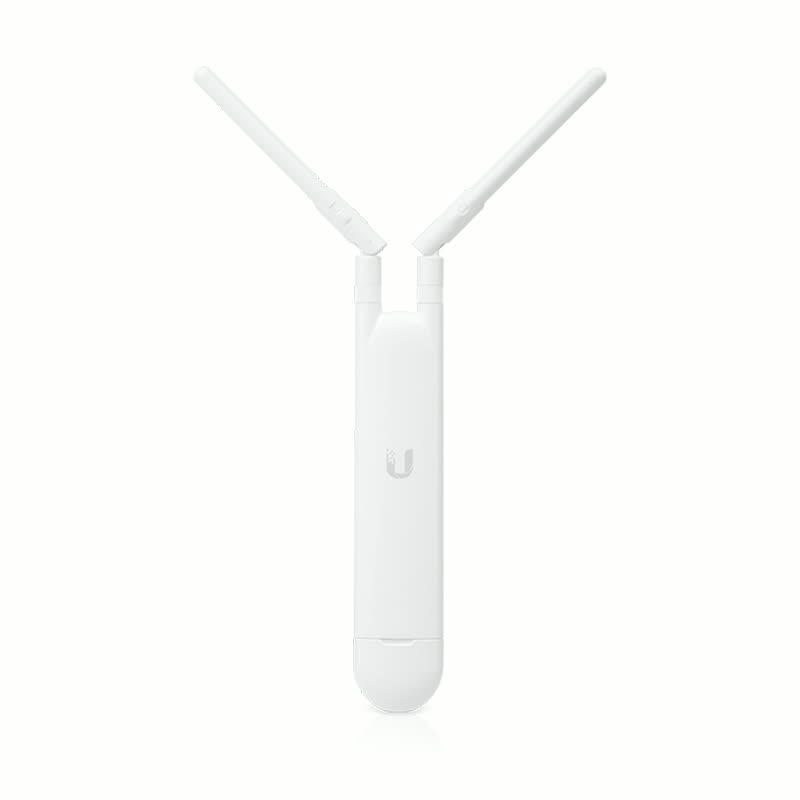
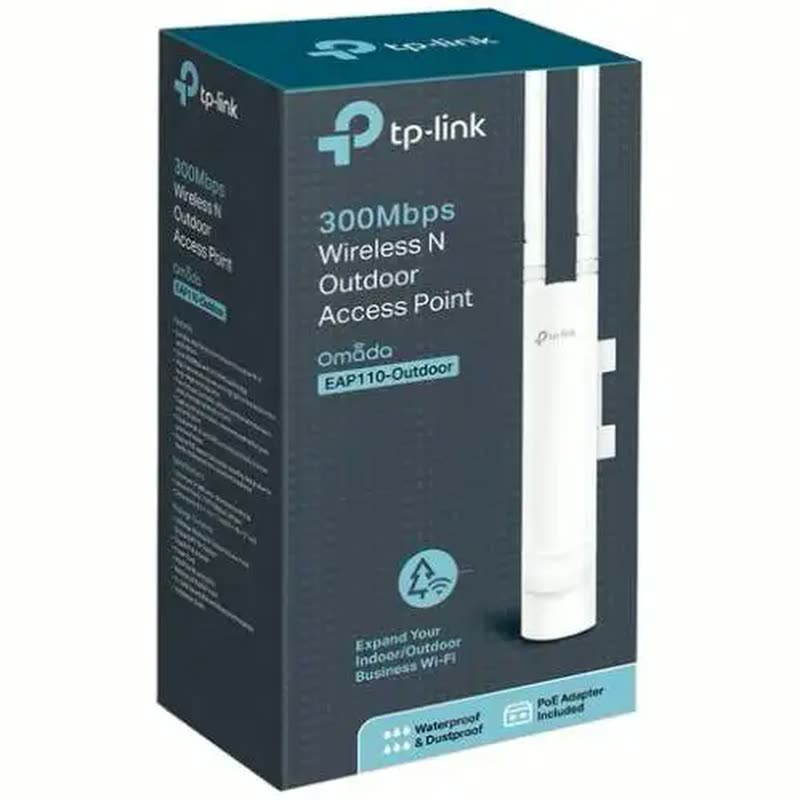
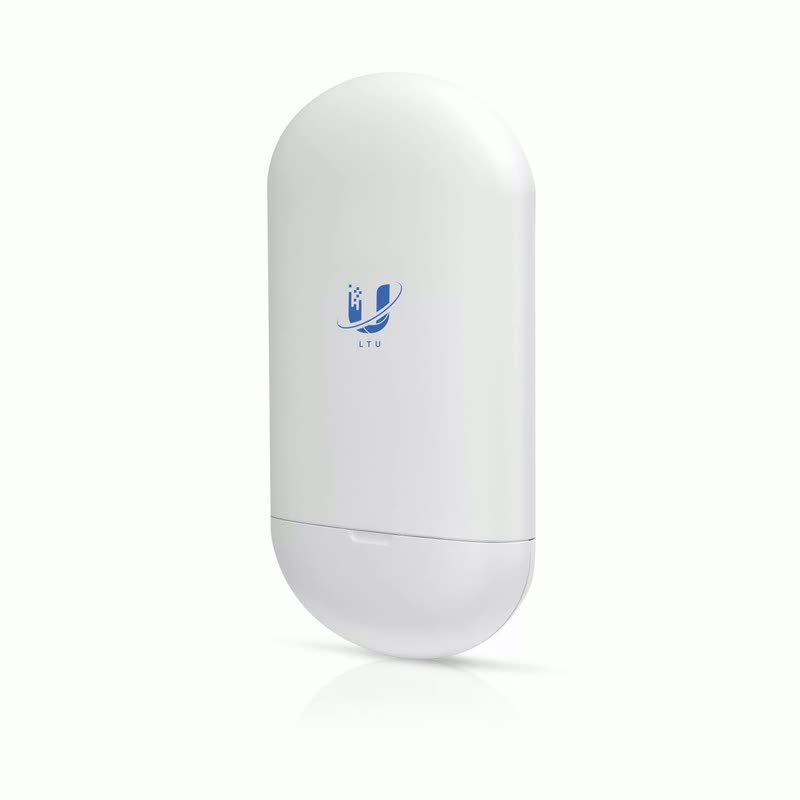
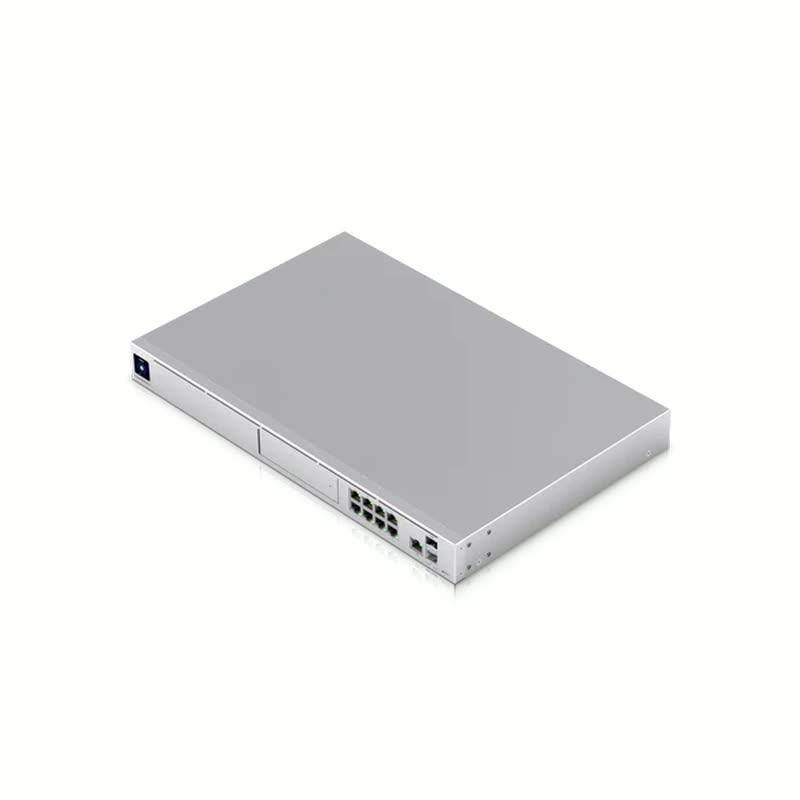
Where you can run a network cable, an access point on the ceiling or wall (like Ubiquiti UniFi) gives full speed in that room. It's what offices, shops and larger homes use, and it can cover outdoor areas and roofs too. With several access points and a switch you get one fast network everywhere.
Sometimes, if your router is old. But in most homes the problem is the distance and the walls, and a second unit (mesh, powerline or an access point) helps more than a stronger router.
Yes. Mesh, extenders, powerline and access points work with any provider's router in Malta: they connect to it with a cable or over Wi-Fi.
Tell us how many floors and rooms, where the router is, and what the walls are like, in the shop or on WhatsApp, and we'll tell you what fits.


Come to 31 St Joseph High Street, Ħamrun (Mon–Thu 9:00–18:00 · Fri 9:00–17:00) or send a WhatsApp message: we'll tell you what fits what you need.