A laptop charger that is lost, frayed or simply stopped working is one of the most common things we're asked for. The good news: with three numbers from the label, finding the right one is easy, and a new charger costs far less than most people expect.
Read the label on your old charger
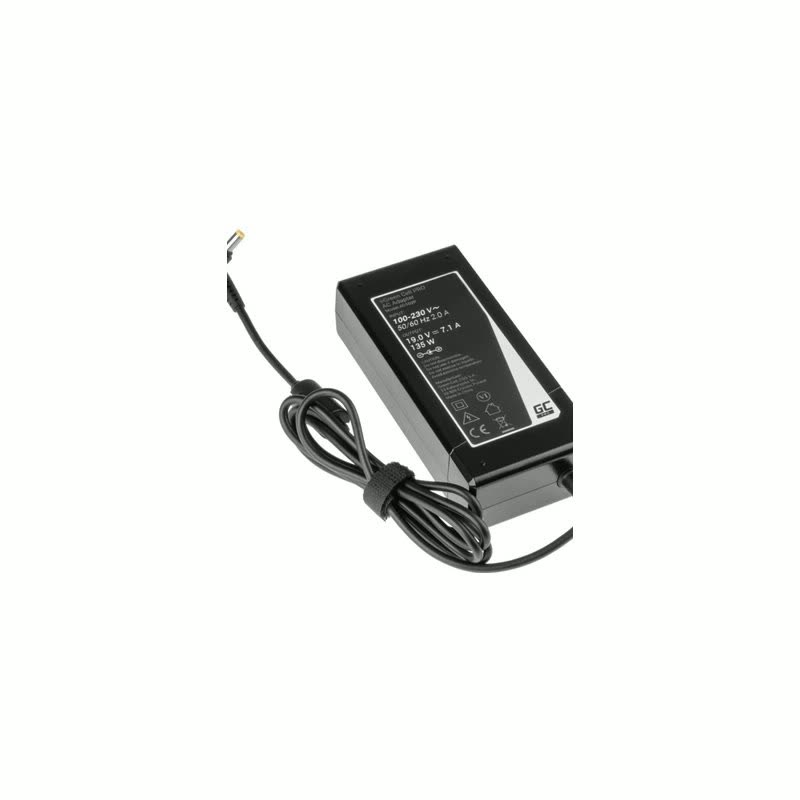
Turn the charger's brick over. Three things matter:
- Output voltage, for example 19V, 19.5V or 20V. The new charger must give the same voltage.
- Current or watts, for example 3.42A or 65W (watts = volts × amps, so 19V × 3.42A ≈ 65W). The new charger needs the same watts or more: more is fine, the laptop only takes what it needs. Fewer watts means slow charging, or none while you work.
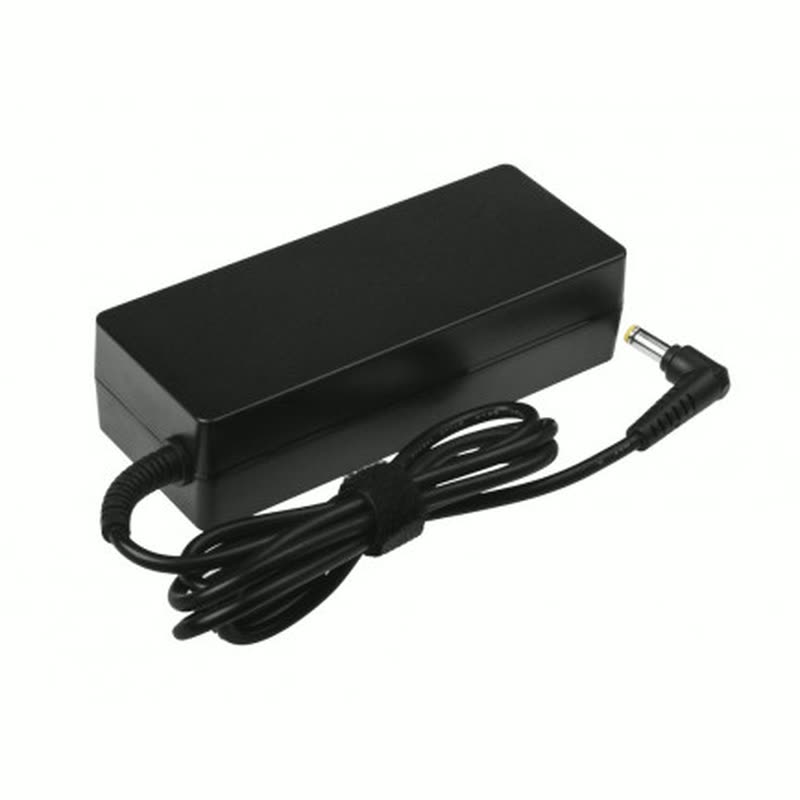
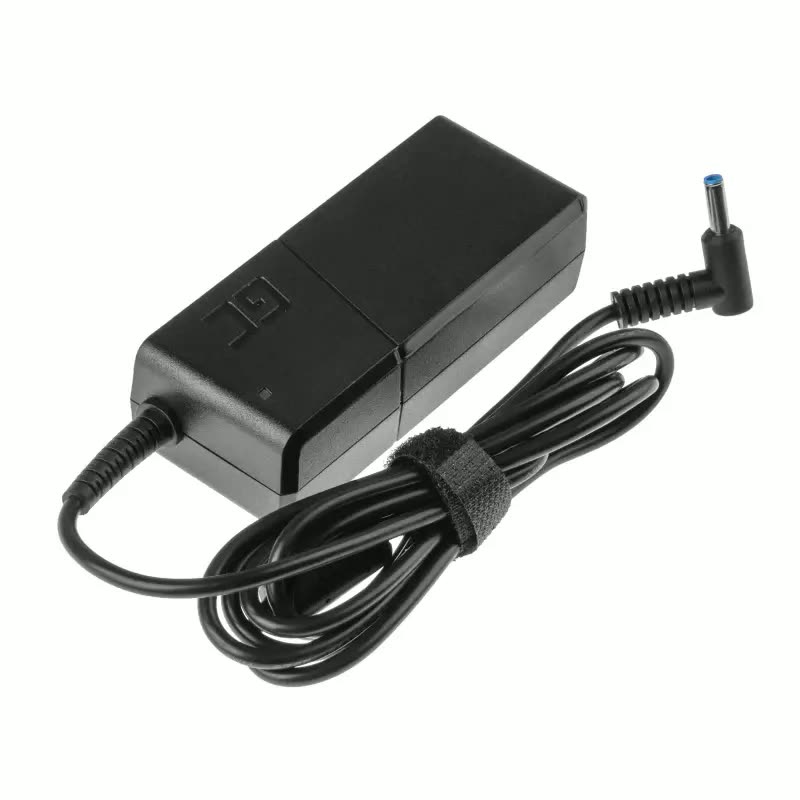
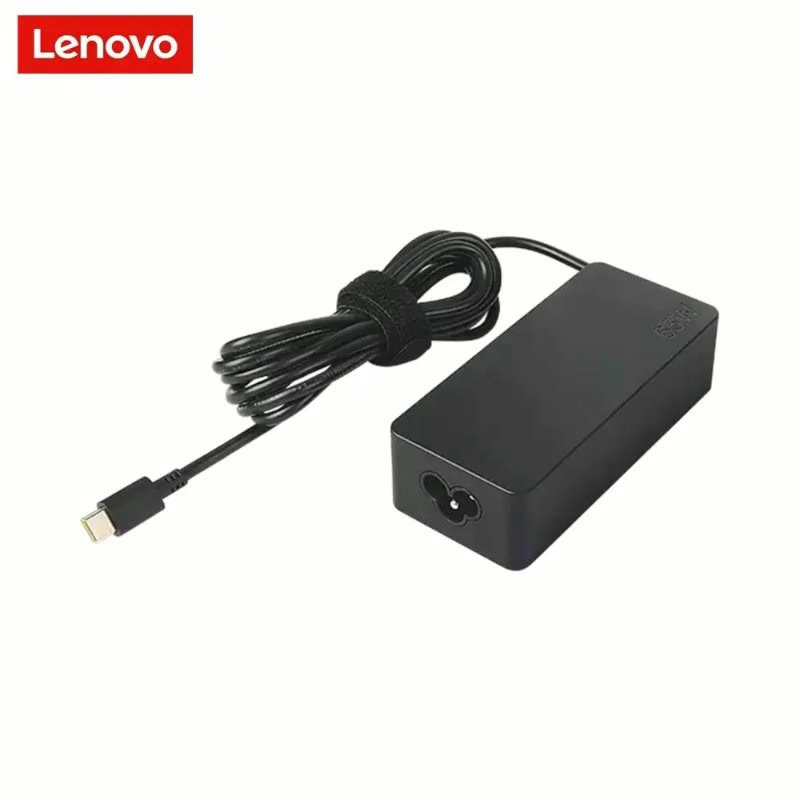
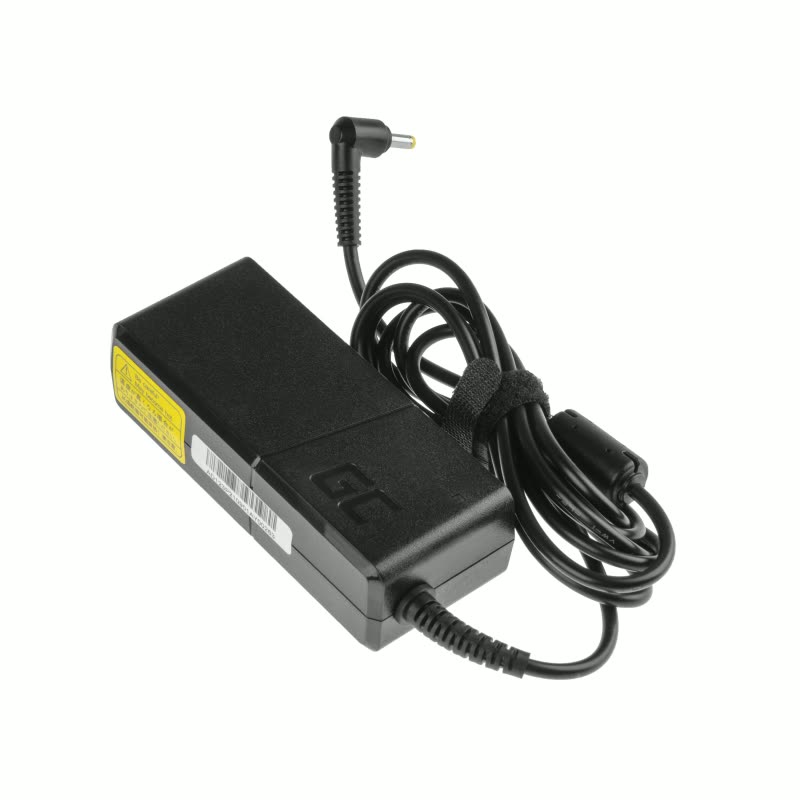
- The plug at the laptop end. Round barrel plugs come in different sizes, for example 4.5 × 3.0 mm with a pin on many newer HP laptops, 7.4 × 5.0 mm on older HP and Dell, 5.5 × 2.5 mm or 4.0 × 1.35 mm on many Asus, and the flat rectangular "slim tip" on Lenovo. The plug must match exactly.
No old charger? The sticker under the laptop gives the model and often the input (for example 19V ⎓ 3.42A). Send us a photo of it on WhatsApp and we'll find the charger.
USB-C chargers
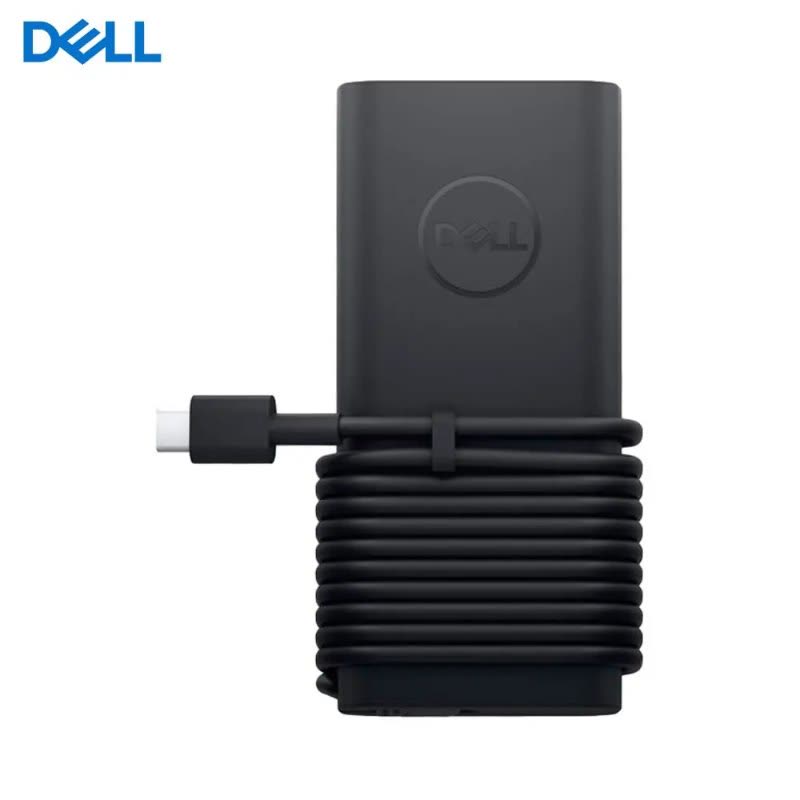
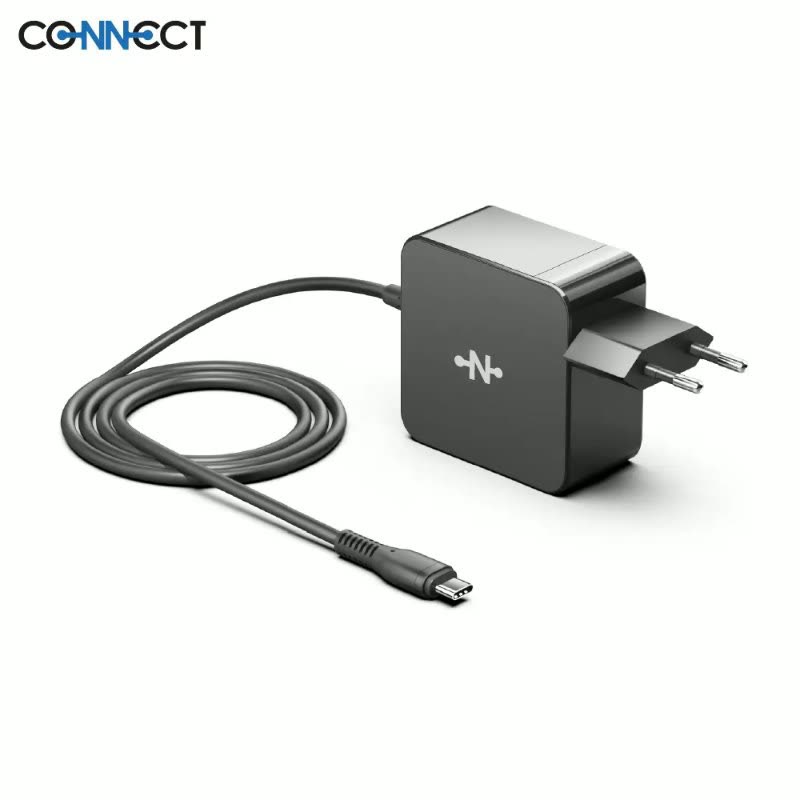
Most laptops from the last few years, every recent MacBook and many Dell, HP, Lenovo and Asus models charge through USB-C. A USB-C charger with Power Delivery (PD) works with all of them, as long as it gives enough watts:
- 45W for small and thin laptops,
- 60–65W for most laptops,
- 90W or more for bigger laptops and some workstations.
Check that the USB-C port has a small charging or lightning symbol: not every USB-C port on a laptop takes power. A USB-C laptop charger also charges phones and tablets.
Original or compatible?
- Original chargers are made by the laptop's brand.
- Compatible chargers from known makers such as Green Cell give the same voltage, have the same overload and short-circuit protection, and usually cost less.
Avoid "universal" chargers with a bag of tips from unknown makers: a wrong tip or an unstable voltage can damage the laptop.
MacBook chargers
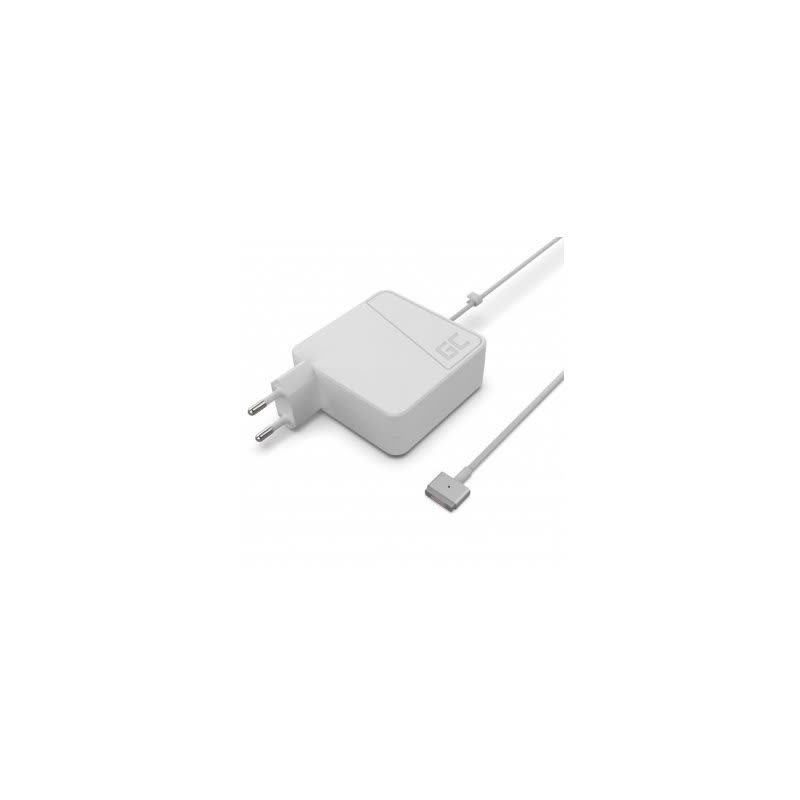
Older MacBooks use MagSafe 1 (L-shaped or T-shaped) or MagSafe 2 (thinner and wider) magnetic plugs; newer ones charge through USB-C, and the latest through MagSafe 3 or USB-C. Check which one your MacBook has before buying.
What a laptop charger costs in Malta
At PC Zone laptop chargers cost from €25 to about €47 including VAT: around €25–€40 for a 45–65W charger, and €45 for a 120–180W gaming laptop charger. Every price is the same online and in our shop in Ħamrun.
Visiting or new to Malta?
Malta uses the UK three-pin plug (type G) at 230V. Laptop chargers work on 100–240V everywhere, so your own charger only needs a plug adaptor. If you've left it at home, we sell chargers with a UK plug. See visiting Malta.
See our laptop chargers, and if the laptop won't hold a charge, our laptop batteries.
Can I use a charger with more watts than the original?
Yes, as long as the voltage and the plug are the same. The laptop draws only the power it needs.
My charger works only at certain angles. Is it the charger or the laptop?
Often it is the cable near the plug, but it can be the laptop's charging socket. Bring both to our shop: we test which one is faulty before you buy anything.
Can I charge a laptop with a phone charger?
Only through USB-C, and very slowly: most phone chargers give 15–25W, while a laptop needs 45W or more. Fine in an emergency, not for every day.
Do you have the charger on the shelf?
We keep chargers for HP, Lenovo, Dell, Asus, Acer, Apple and Microsoft Surface, and USB-C chargers, in the shop in Ħamrun. Collect it the same day or get it delivered in Malta and Gozo. If yours isn't there, ask us: we can order it in.